Manual Contract Creation
Some practices have different contracts depending on treatment type. Gaidge's automated contracts are based on payment arrangements selected. To allow your staff to choose the contract type before sending to a patient, the Gaidge Forms Template Configuration must be updated to unmap contracts.
From the Gear icon select Practice Management, then scroll down to Consult Manager - Payment Plans
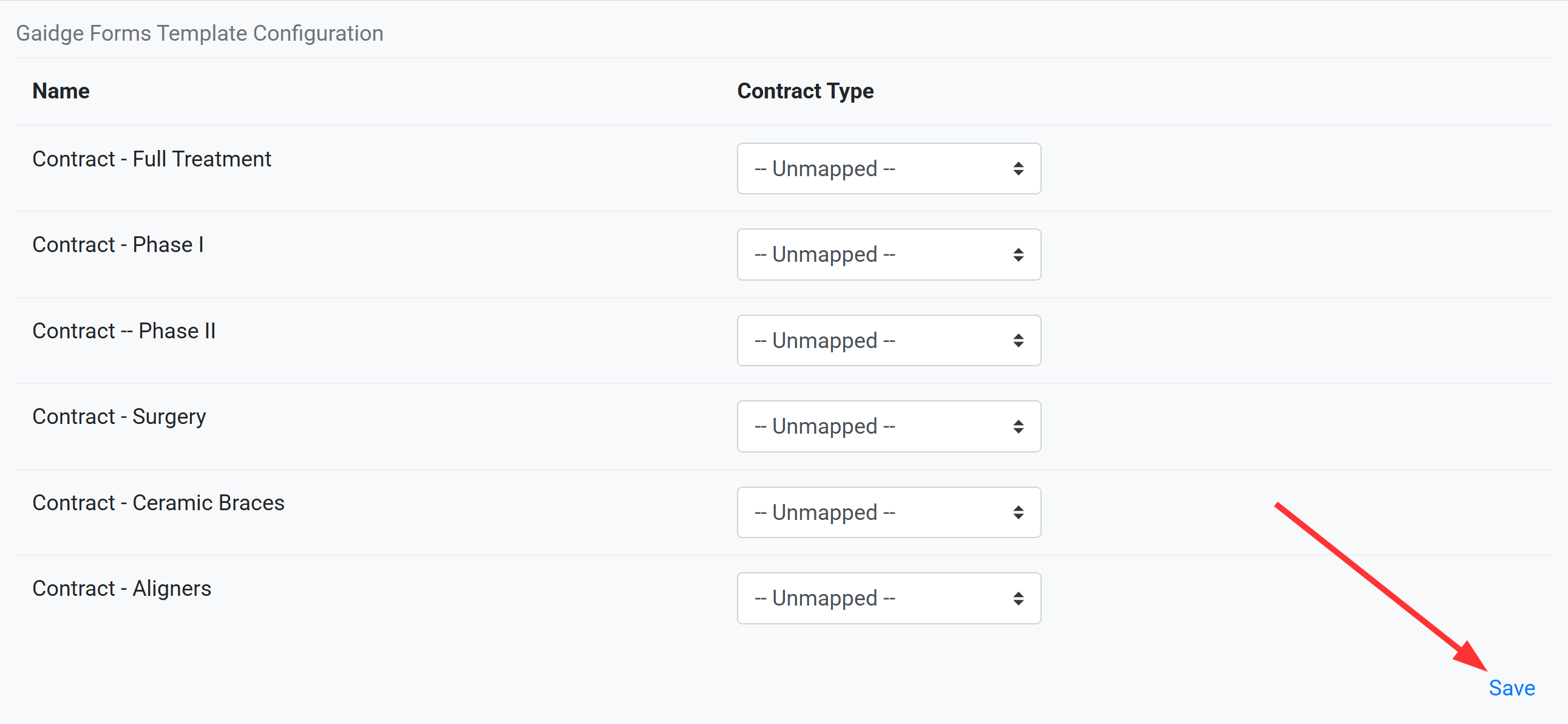
 Scroll down to Gaidge Forms Template Configuration and select Unmapped for all contracts. Save
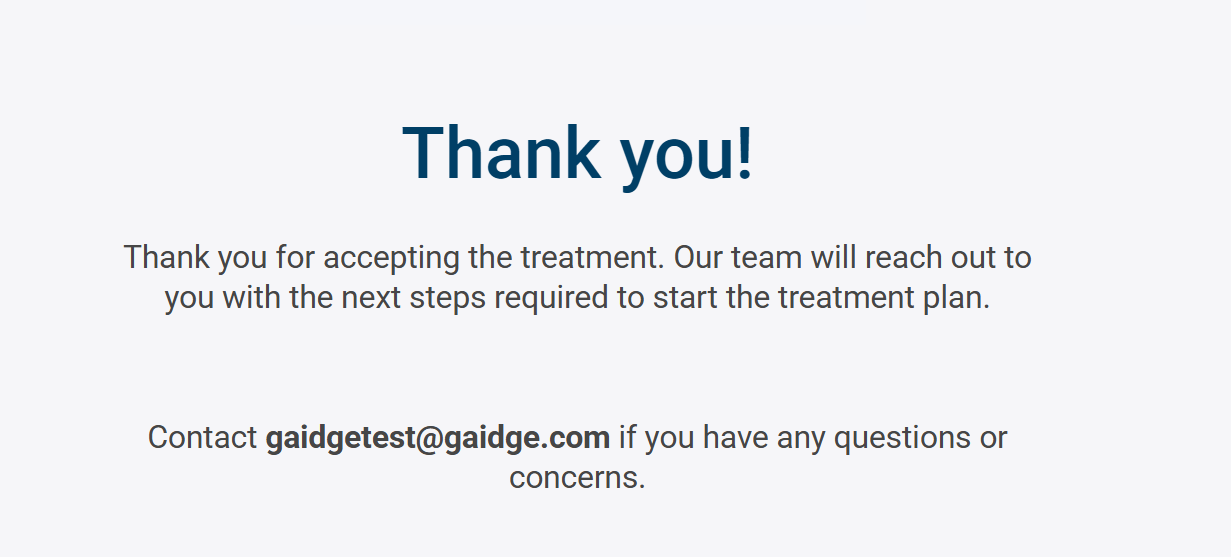
Now when treatment is accepted, you (or the remote patient) will be presented with a screen similar to
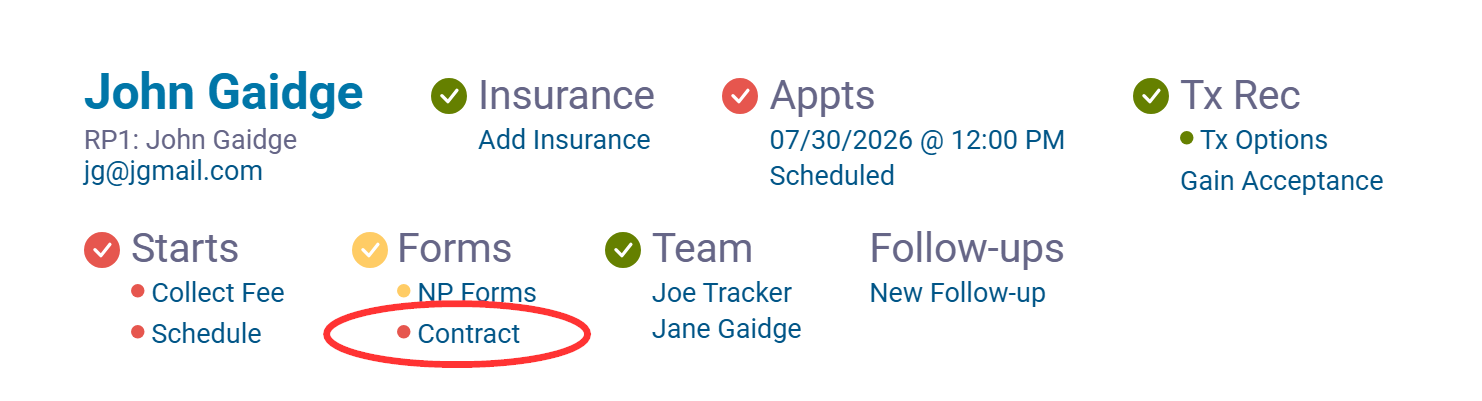
You may close that tab and click on Contract
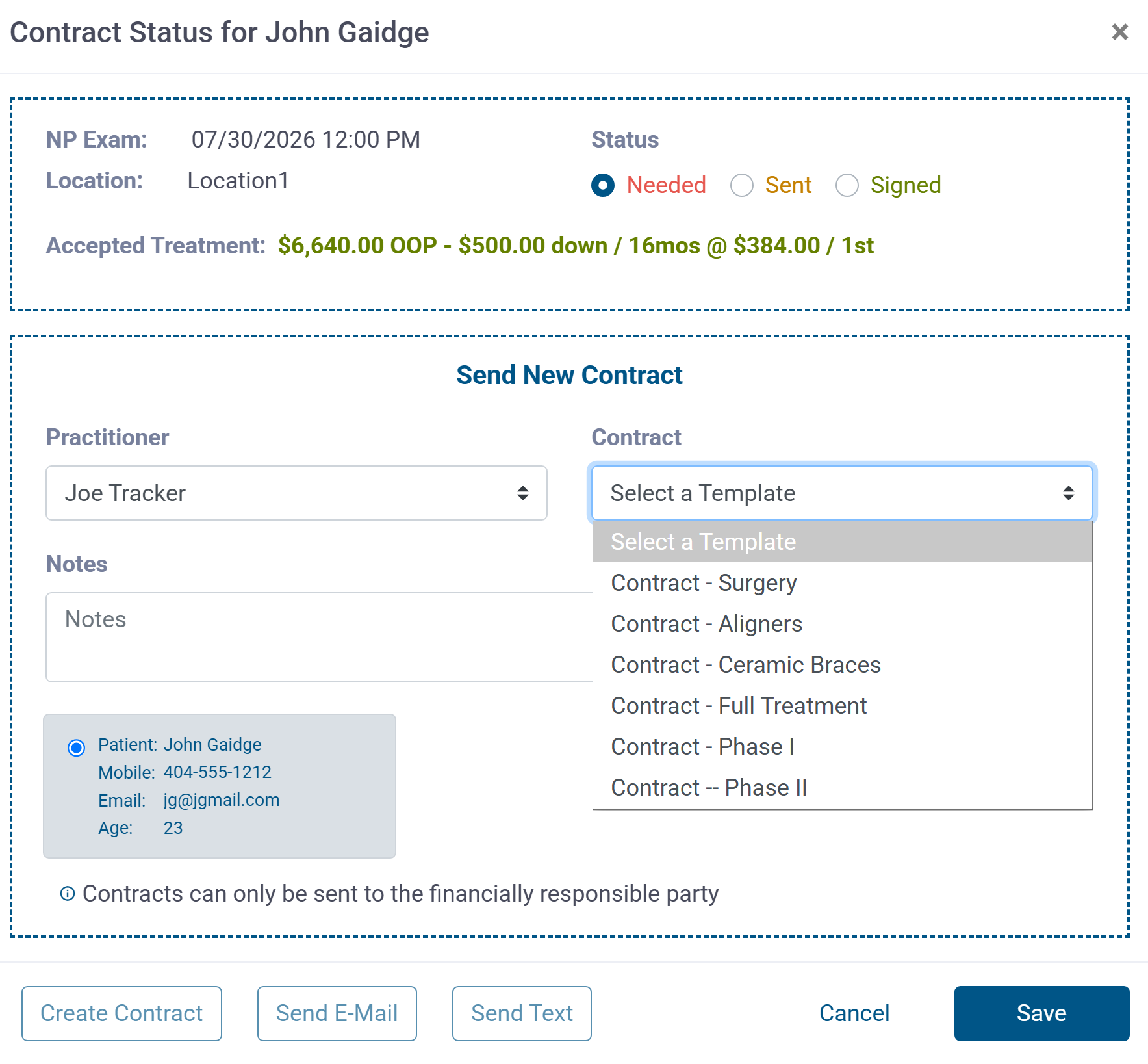
That opens the Contract Status screen where you can select a contract to create for patient in-office, or send email or text for patient who accepted remotely.