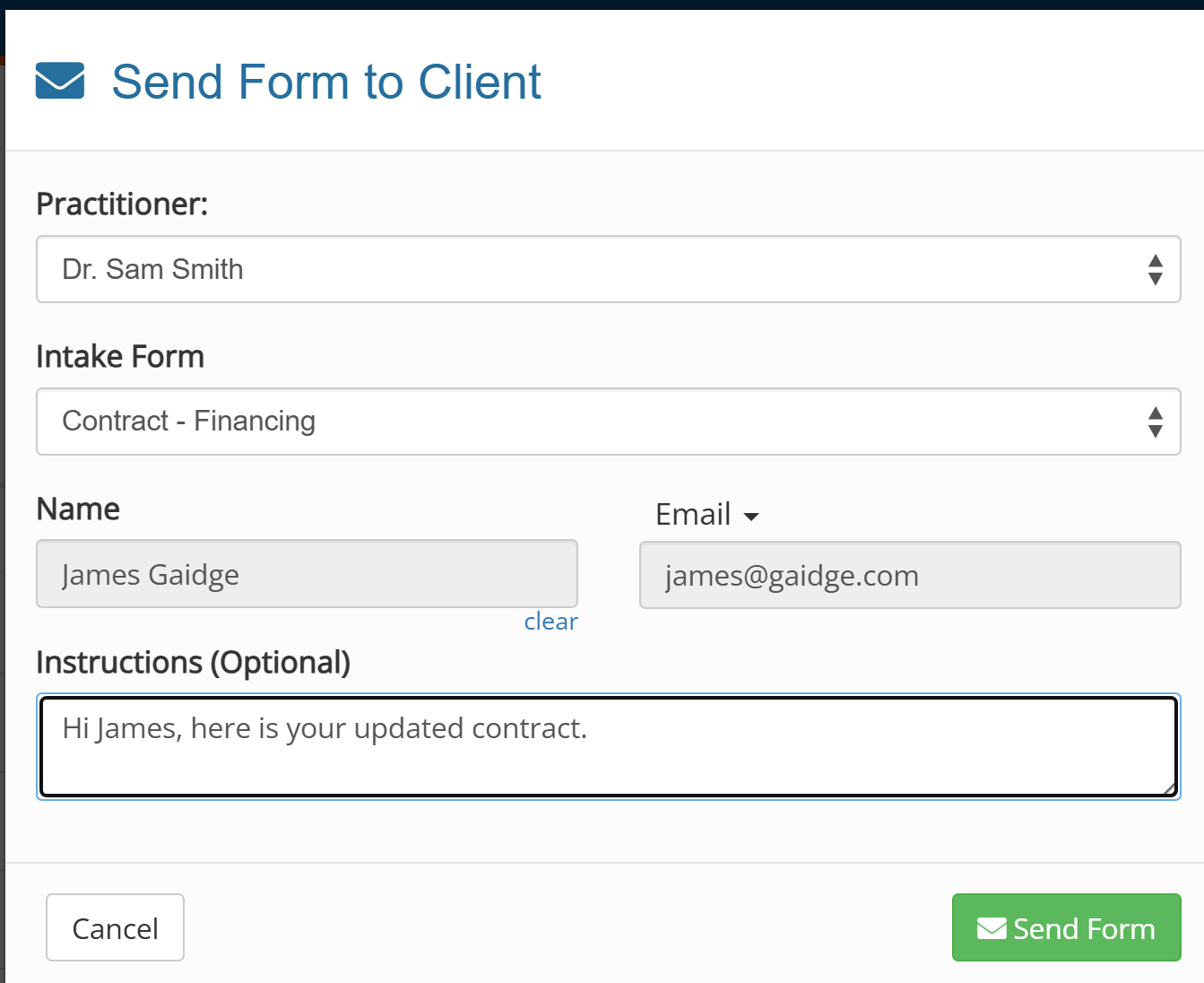
Update & Send Contract Questionnaire from Forms
From time to time you may need to update the information that is printed on a contract. Maybe you need to add a note, or change the initial payment.
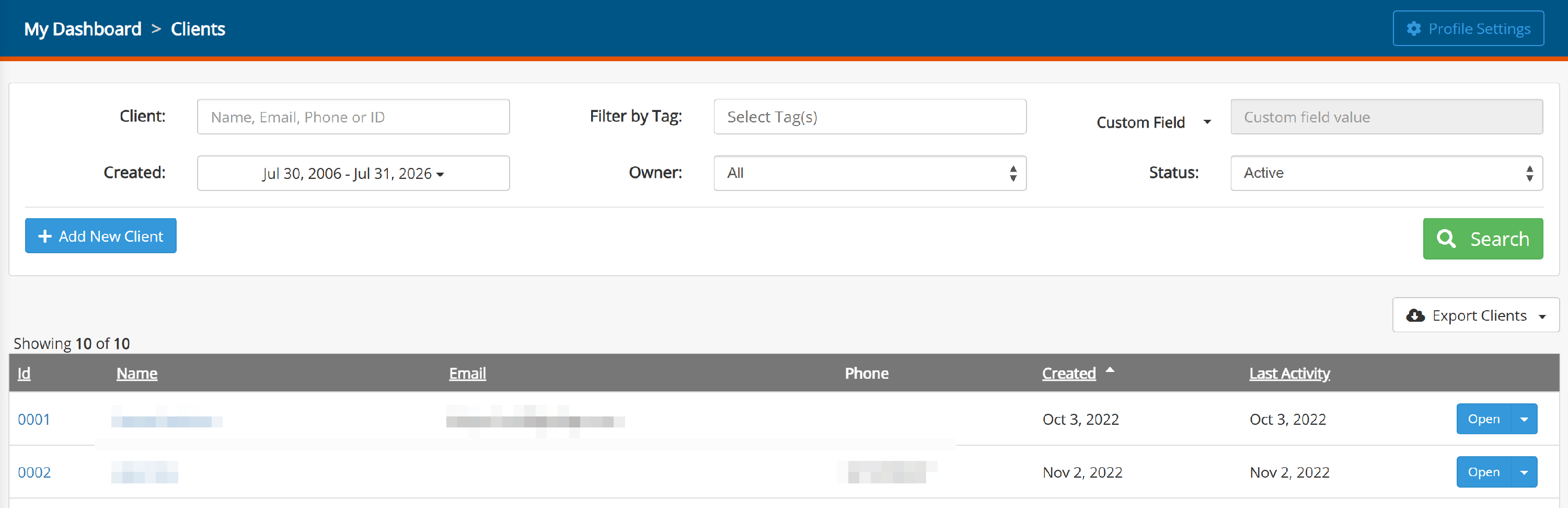
Go to Forms, then Clients
Search for the patient, then click on their name or the open button
On the Overview page, you can edit their information. Click Edit
The highlighted fields below are those used in contracts.
Data must be entered EXACTLY as you want it to print on the contract. For example, $6730, $6,730 or $6,730.00 for dollar amounts. For discounts and insurance don't forget the minus sign in front -$500. Be consistent.
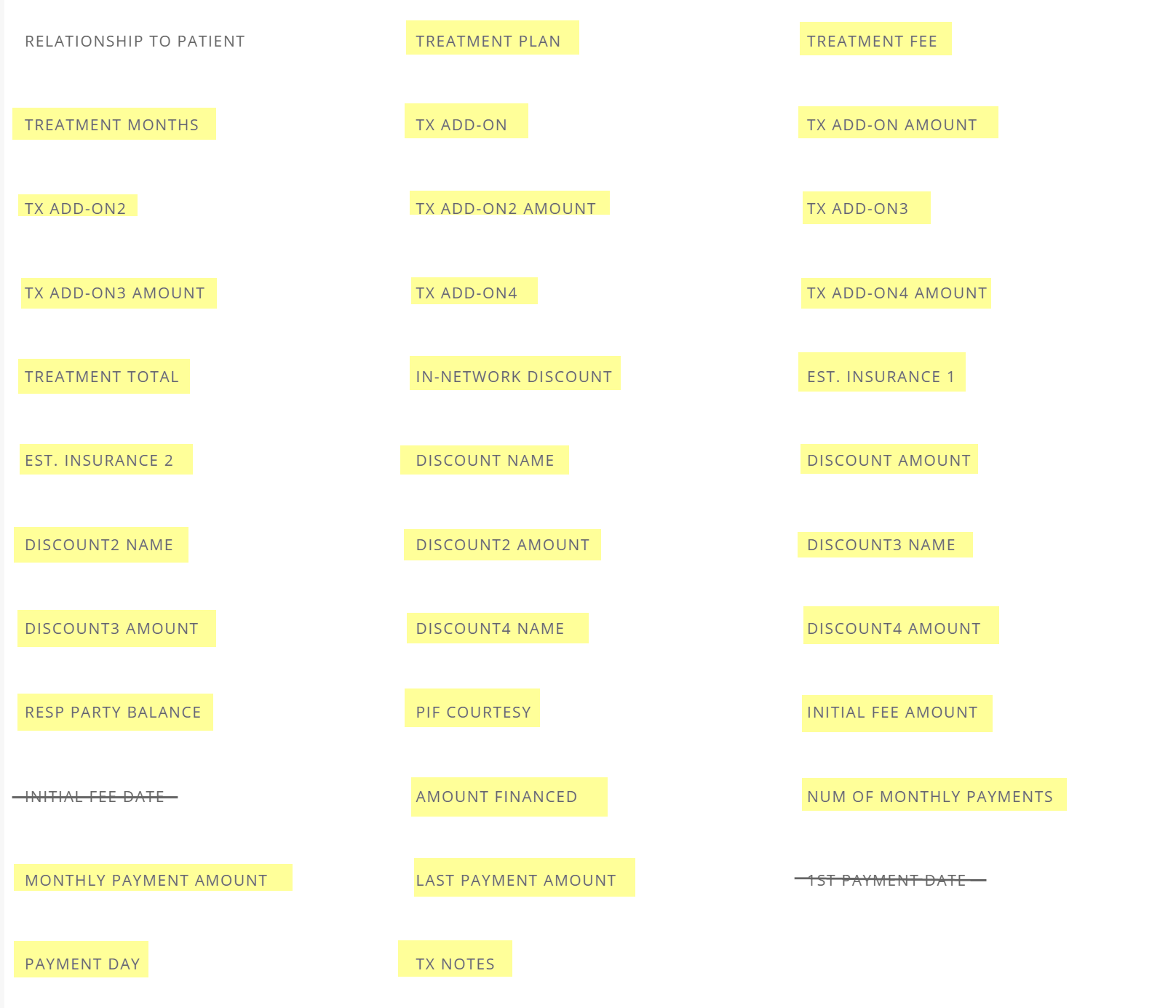
If there is no add-on, insurance or discount, leave blank.

Check for typos before sending!!!!
Send Contract
Go to Forms Manager
 Click on Send Form to Client
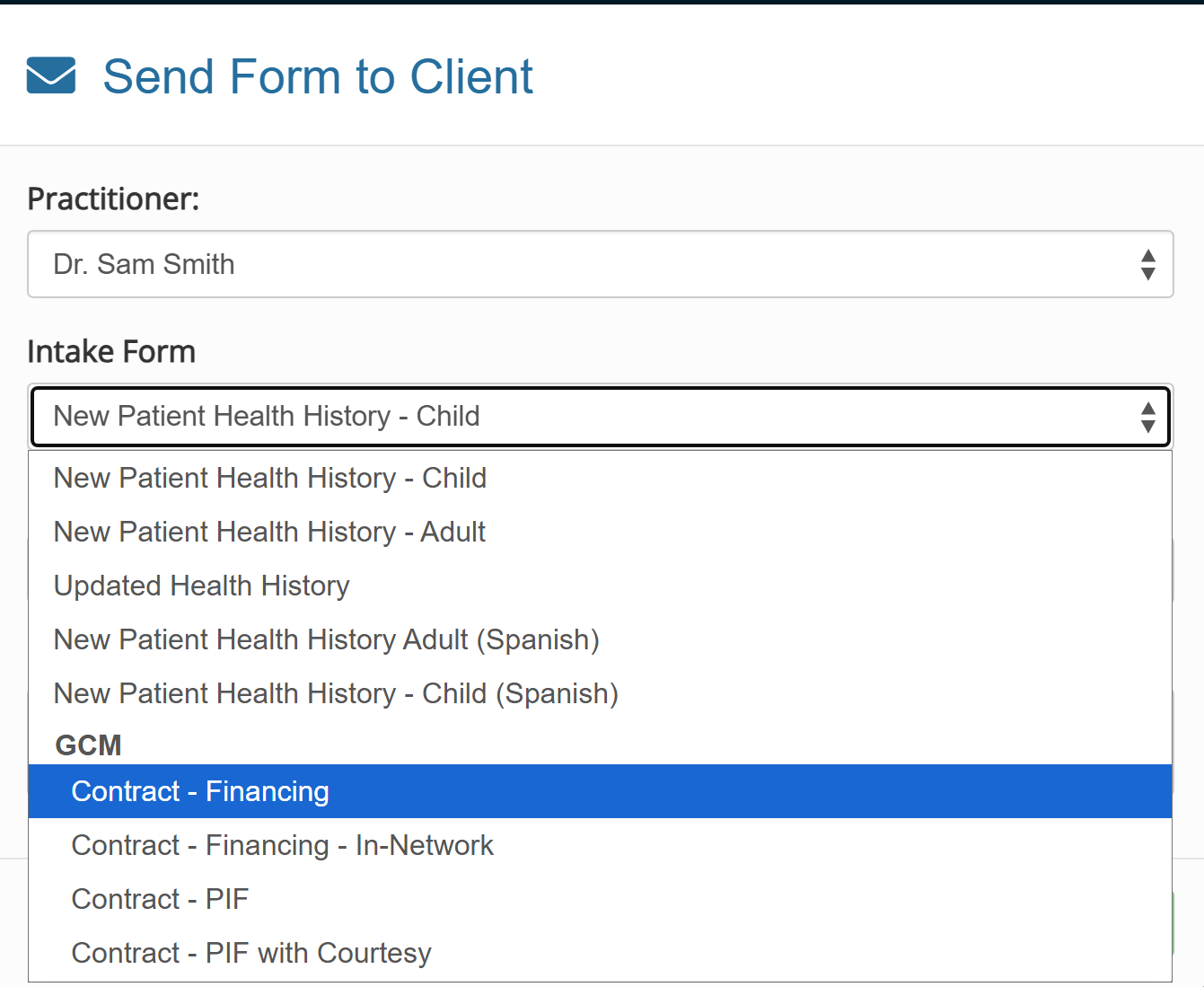
Select form to send:
Enter Patient, add a note if desired, then Send Form