Follow Ups
When a patient doesn't accept treatment at their exam, you may want to follow up with them after their appointment. Consult manager allows you to see up multiple follow-ups according to your practice's routine.
In the patient profile section of your screen, click on New Follow-up

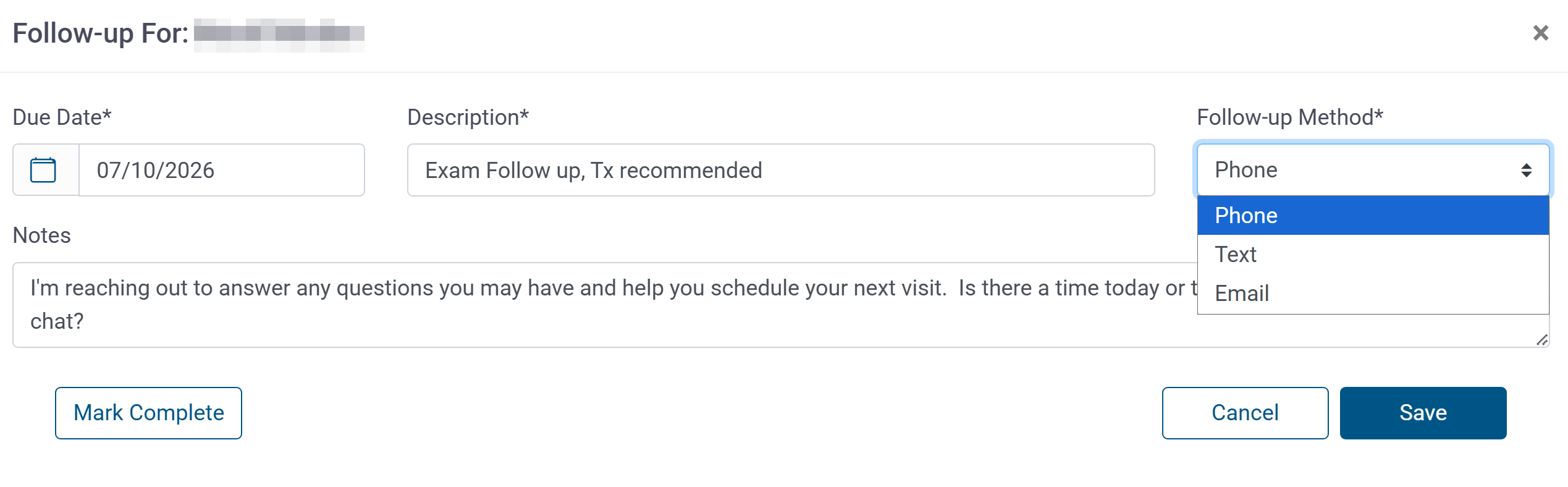
Create your follow-up
- Select the Due Date
- Enter a Description
- Choose your follow-up method: Phone, Text or Email
- enter Notes, if desired
- SAVE
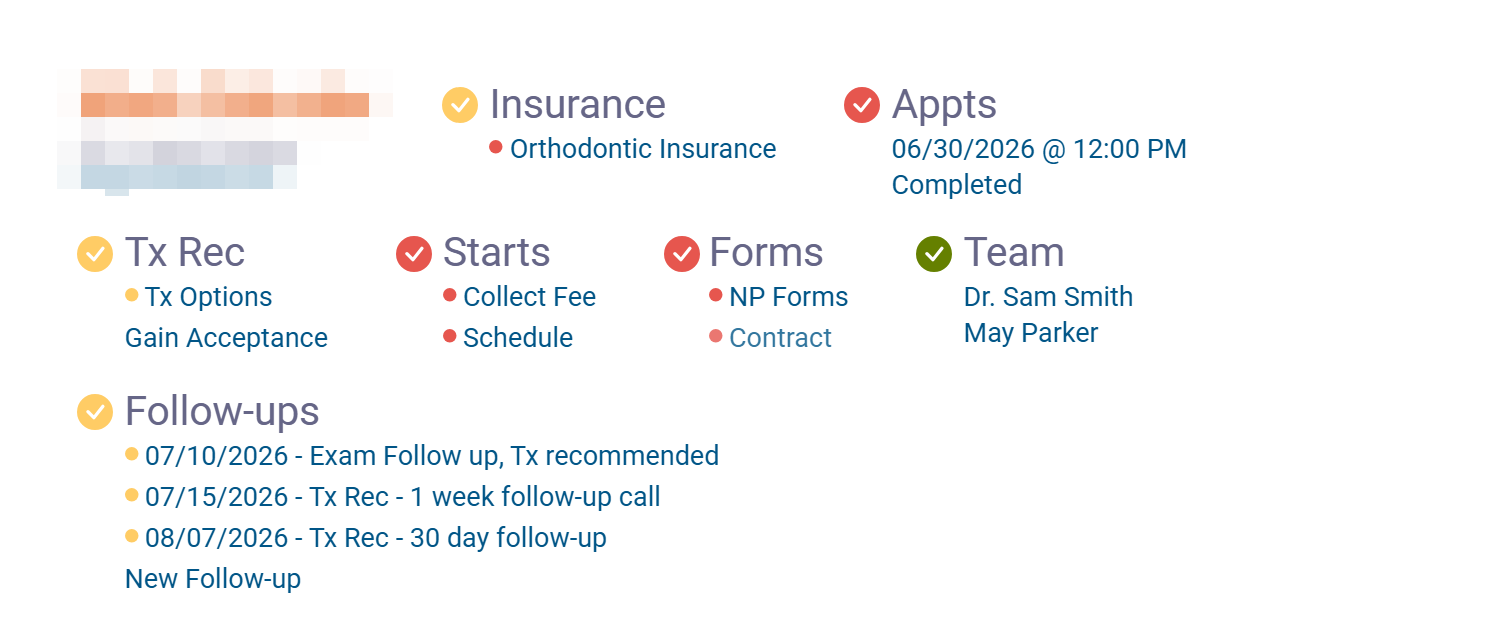
When you have completed a follow-up simply mark it complete. If you have unneeded follow-ups, for example if the patient accepted after first one, you can delete the unnecessary ones. 
Viewing Follow-ups
There are a few ways to view your active follow-ups.
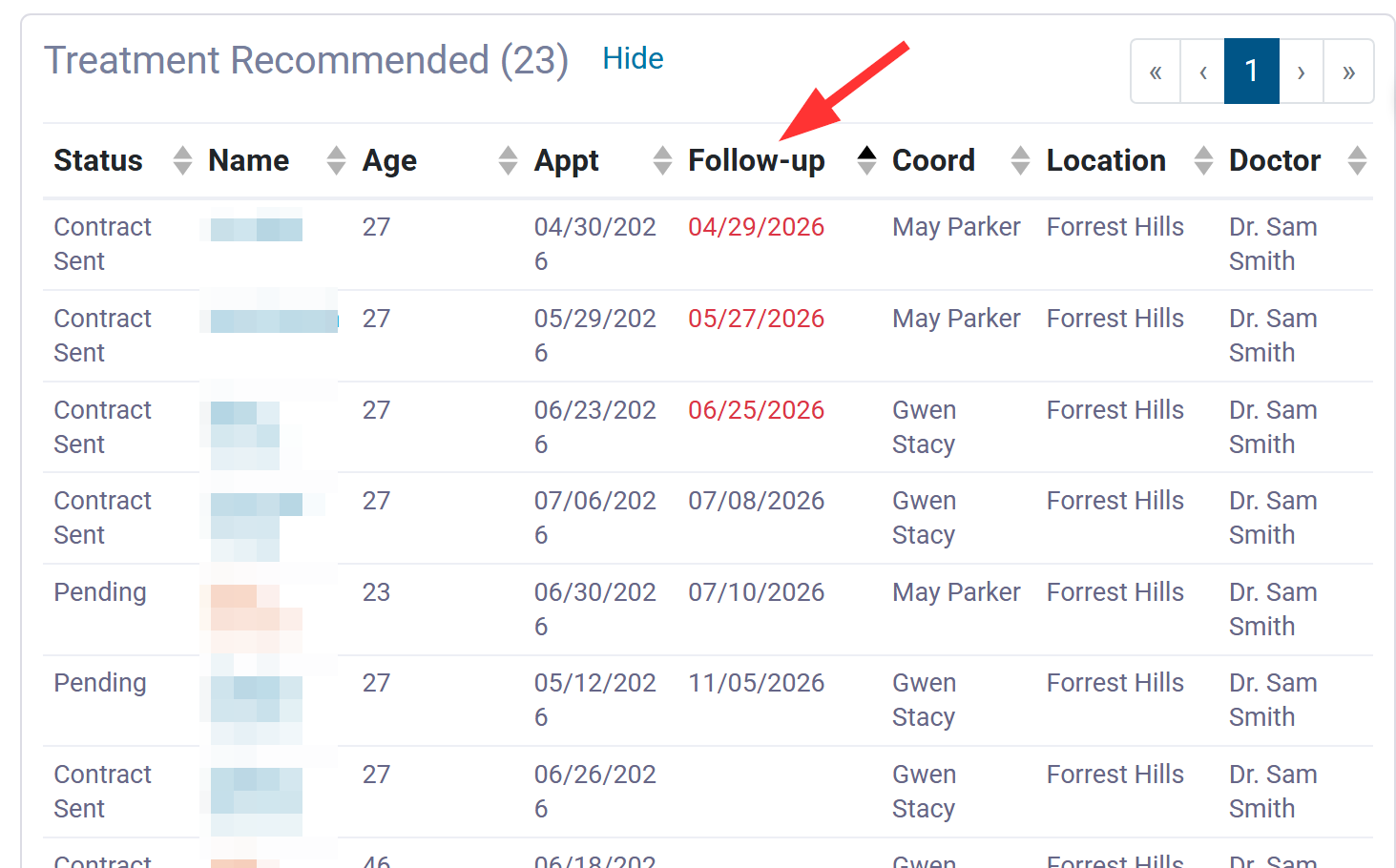
In the Treatment Recommended (or Starts) queue, click Follow-up at the top to sort by follow-up date. The ones in red are overdue
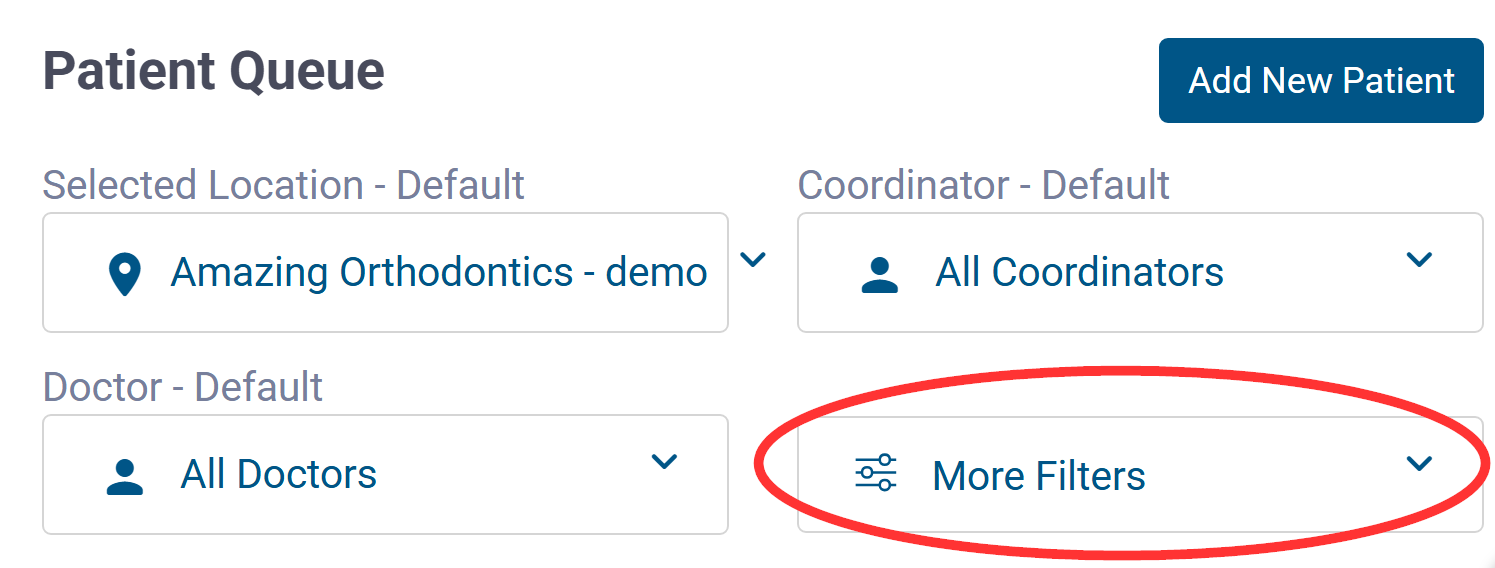
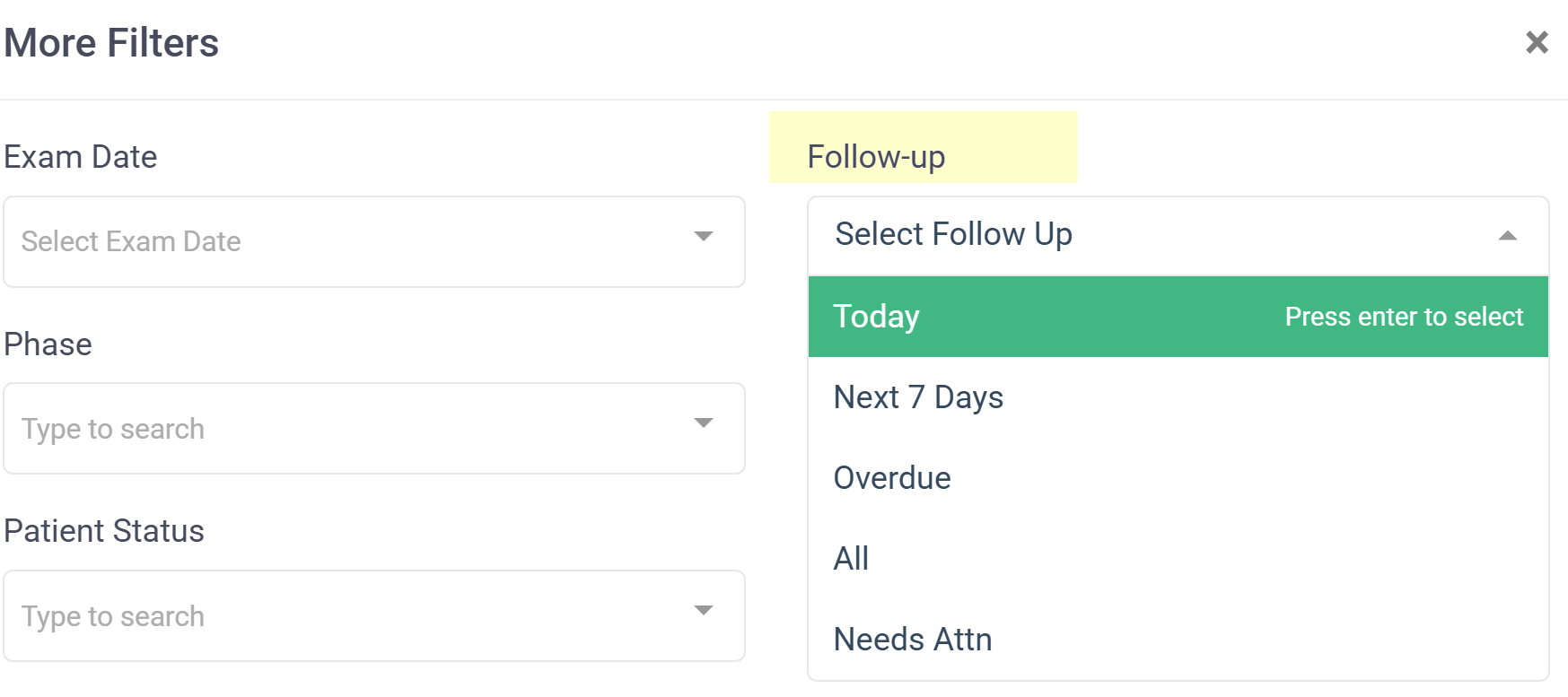
You can also use More Filters to see all of your follow-ups. in all patient queues.