
Adding Gaidge to Your iPad or Tablet
You can easily create a Gaidge icon on your iPad or tablet. Simply open Gaidge in Chrome (or Safari).
Chrome
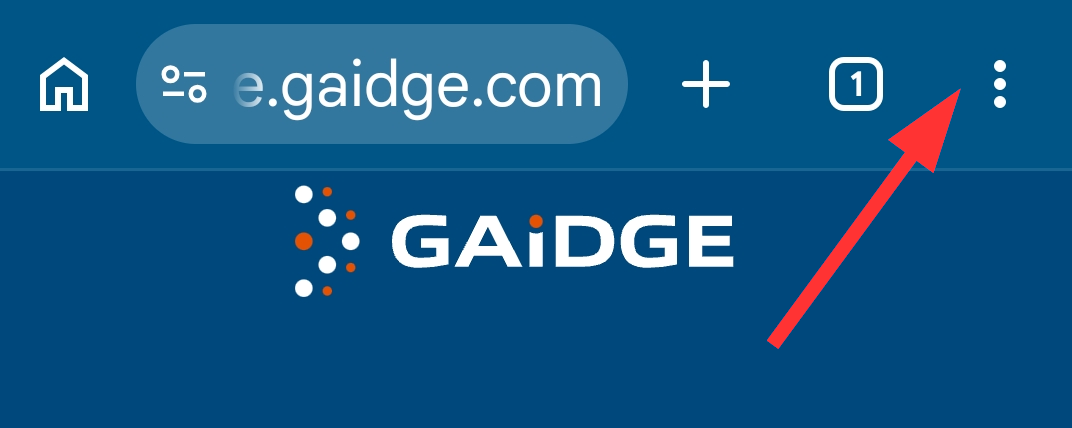
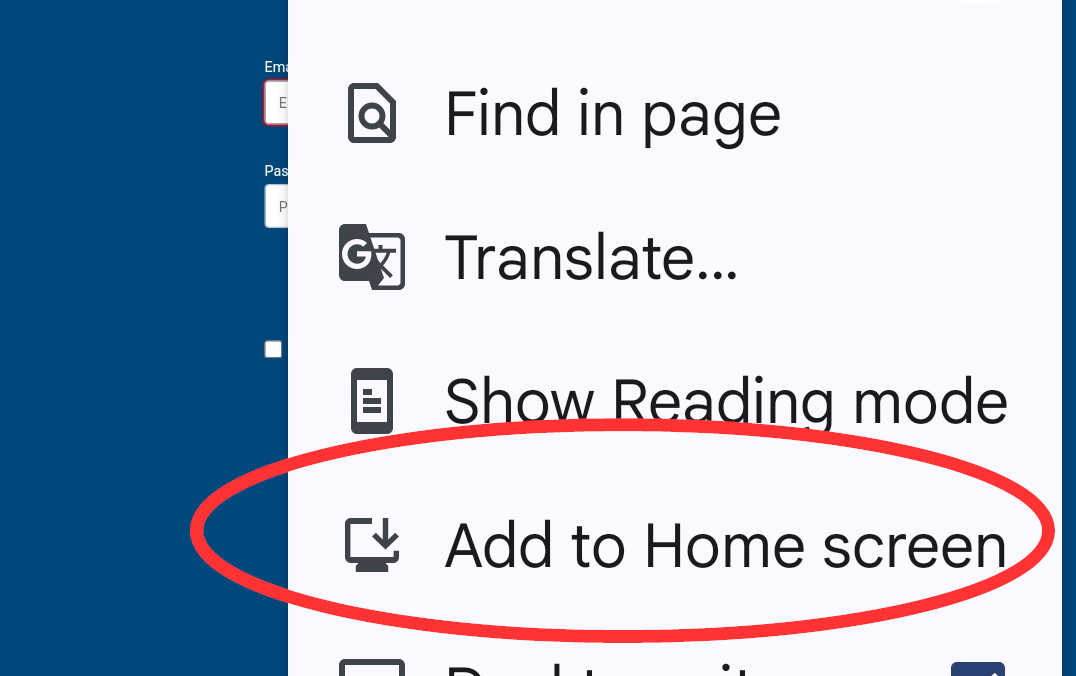
Once Gaidge is open, click install. If you miss the popup, click on the 3-dot menu at the upper right, then select Add to Home screen, edit description if desired.
Safari
Once Gaidge is open in the iPad Safari browser, tap on the Share button and then on Add to Home Screen (image below). Before you tap on OK, you can change the shortcut description.
