
Collaborations Report
The Collaborations Report generates a spreadsheet of most of your Gaidge numbers by location. It can be run for a single day or a range of dates. For ranges exceeding one month you may also include a separate page with monthly totals.
Gaidge gets data daily for the first of the current month through the current day, eg 5/1-10. To calculate totals, the program subtracts the earliest date from the most recent, eg (5/1-10) – (5/1-9) returns the values for 5/10
- Please note that if data fails to upload these calculations cannot be completed properly.
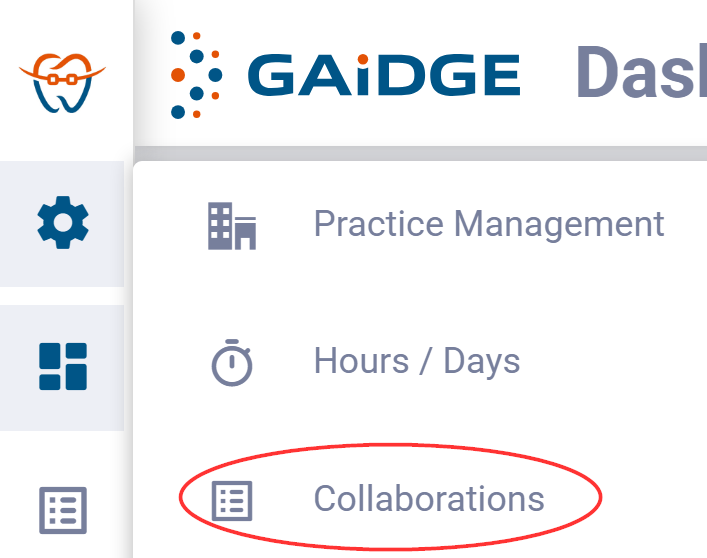
From the Gaidge menu, click on Settings (gear icon) and select Collaborations.
Click on Daily Report on the Reports menu at the left side. Select Begin Date and End Date. Next, if the date range is more than one month, select whether to Include Monthly Totals, which will generate a second sheet in addition to the summary. Lastly click on Generate Report and Save the generated spreadsheet.
