
Restoring Deleted Forms
If you have deleted a form and later need to view it, follow these steps.
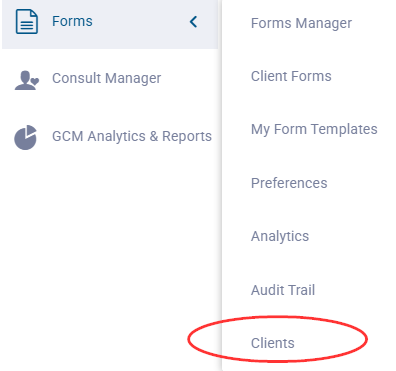
On the Gaidge Forms menu, go to Clients and select (or search for) the patient for whom you deleted the form.
Enter their name, email or phone number to search.
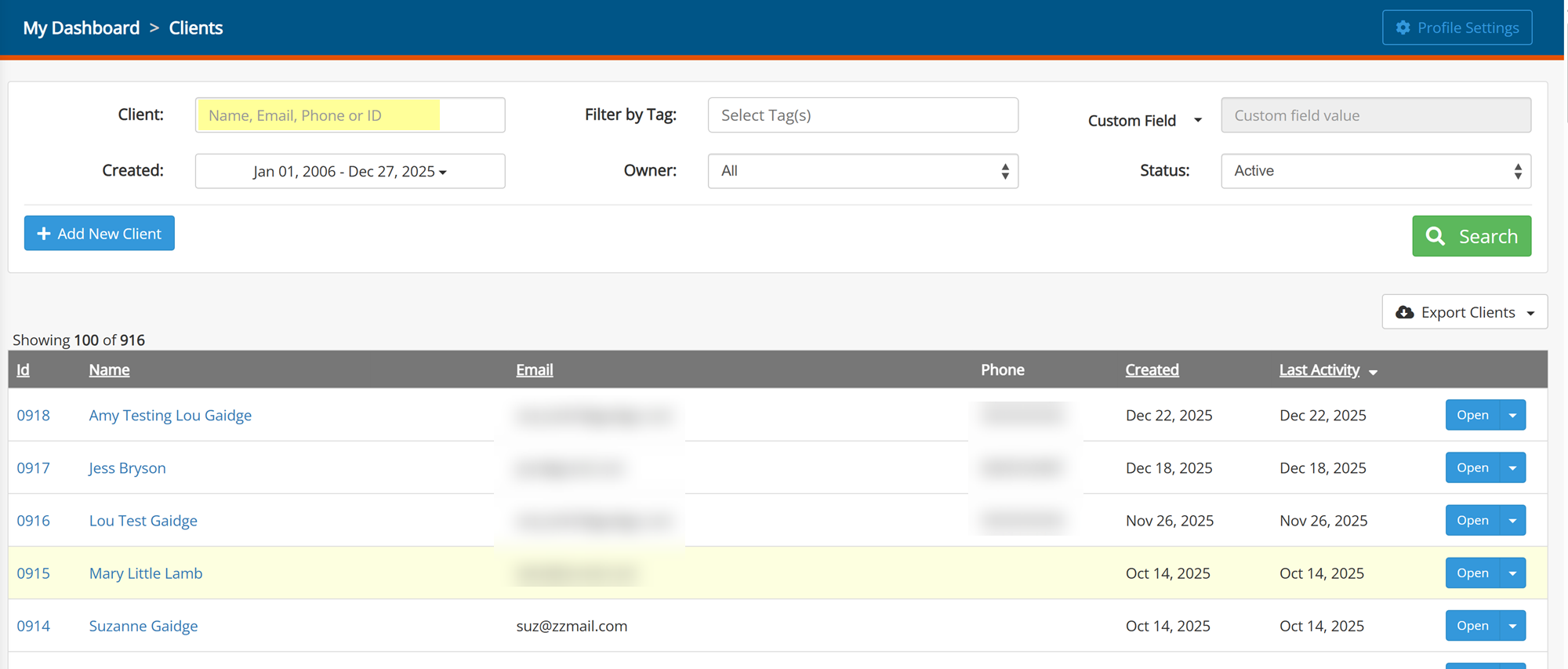
Once you open the patient, select the Events tab to see a log of all events for this specific client.

Locate the event where the form was deleted. You will see the date and who performed the action.
If you are within the restore time window, you will see a restore text link next to the listing. Click the link to restore the form to the client's timeline.